
Step 1
Map & Define
We document the real workflow first: what starts it, what data is needed, what can go wrong, who approves what, and what success should look like.
TriggersInputsExceptionsSuccess metrics
We connect AI to the tasks your team does over and over — answering leads, sorting emails, updating your CRM, routing support tickets. We build it, test it, and hand it over so your team can actually use it.
AI workflows connected to real systems, approvals, and handoffs.
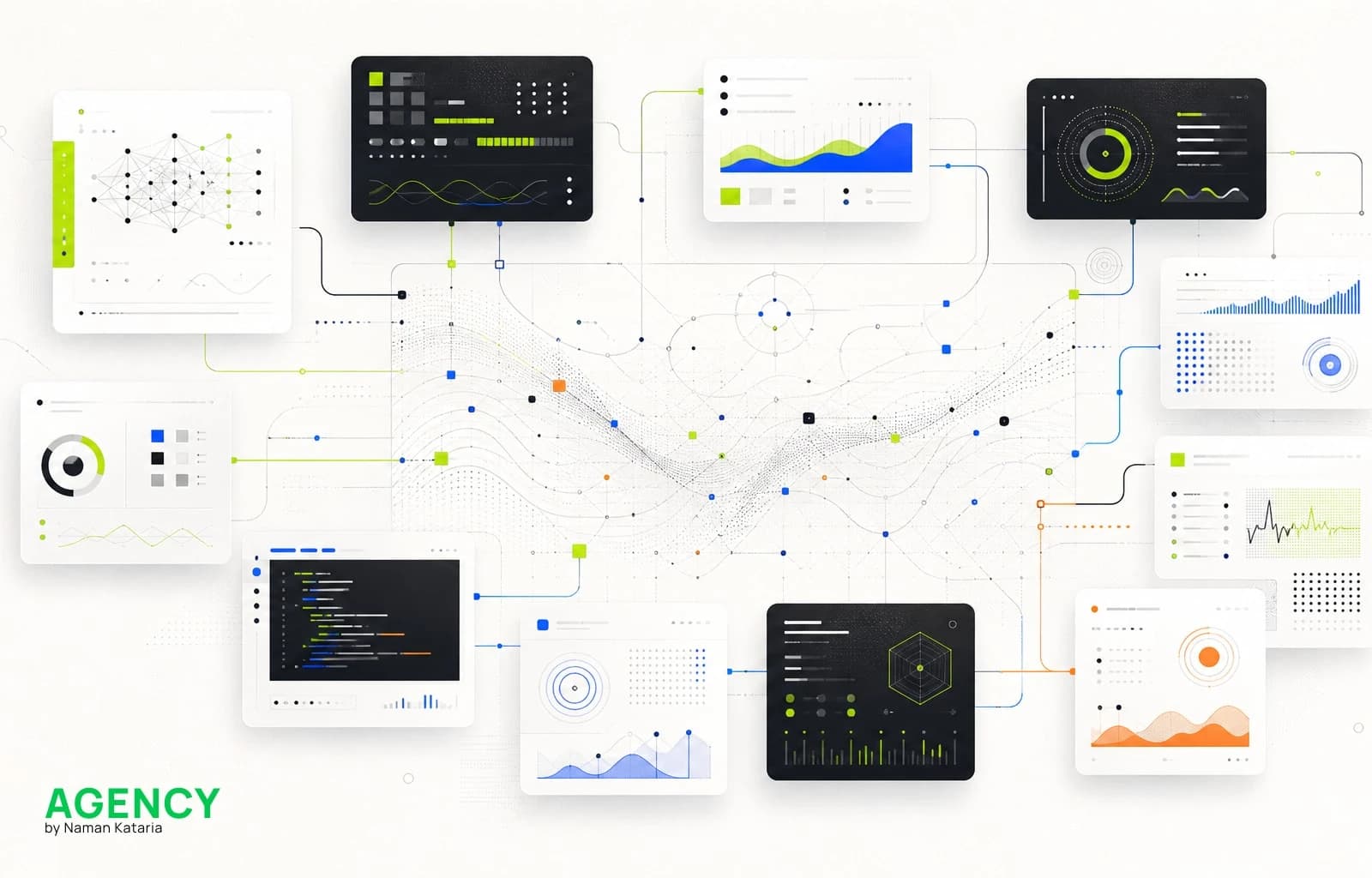
Human-reviewed automation
AI AutomationAI creates value when it is connected to a real workflow. We focus on the repeatable tasks that slow teams down: intake, routing, qualification, content operations, support triage, reporting, and handoffs.
We map the process, define decision rules, design prompts and review steps, connect tools through APIs or automation platforms, and build safeguards so AI supports the team instead of creating chaos.
The result is a practical automation system with clear ownership, measurable cycle-time improvement, and human oversight where judgment still matters.
We connect process mapping, prompts, tool logic, integrations, review states, analytics, and documentation so automation becomes an operating system rather than an experiment.
AI Workflow System
AI does the repetitive part. Your team stays in control of every decision that matters.
How it works
Capture every request
24/7Forms, chat, calls, and CRM records land in one structured flow instead of scattered inboxes.
Classify the next move
RulesAI identifies intent, urgency, fit, and missing context before the next action is assigned.
Pause for human review
HITLCustomer replies, compliance moments, cost decisions, and brand-sensitive outputs wait for approval.
Trigger the follow-up
LiveApproved actions update the CRM, trigger emails, assign owners, create tasks, or book the next step.
Measure the loop
SignalLogs, summaries, and cycle-time signals show where the workflow slows down and what to improve.
Who does what
AI handles
Reading incoming messages, sorting requests, drafting replies, updating records, and routing tasks.
Your team decides
Customer-facing replies, financial decisions, approvals, and anything sensitive always go to a person first.
You can always see
Every action is logged so you can see what ran, what was approved, and where to improve.
The result
Your team responds faster, misses fewer leads, and spends less time on work the system can handle.
From workflow insight to working automation, we build with clarity, control, and confidence before anything goes live.
We document the real workflow first: what starts it, what data is needed, what can go wrong, who approves what, and what success should look like.
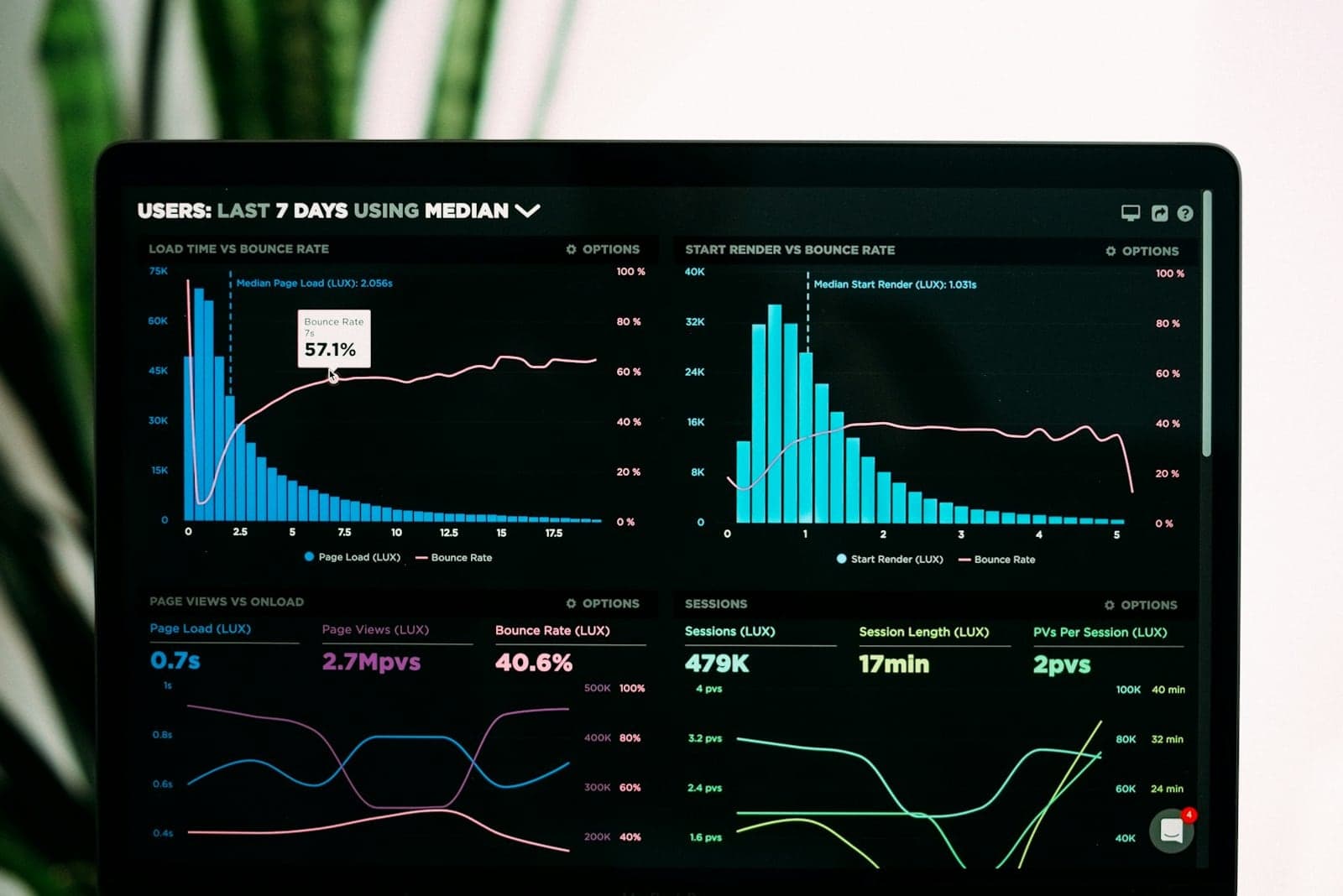
We design the logic, prompts, routing rules, and review states, then test the workflow against real cases before it touches customers or internal teams.

We launch with documentation, logging, fallback logic, and improvement loops so the automation stays usable after the first version ships.
Good automation starts with a clear operational pain point and a repeatable path.
01Sales and service teams
Classify inquiries, enrich context, score fit, route leads, and trigger follow-up tasks.
Problem solved
Stops qualified leads from sitting in inboxes or getting routed to the wrong place.
02Customer operations
Summarize tickets, detect intent, recommend next actions, and escalate urgent cases for review.
Problem solved
Reduces first-pass support workload while keeping sensitive cases in human hands.
03Marketing and operations
Turn briefs, notes, transcripts, and documents into structured drafts, metadata, summaries, and CMS-ready content.
Problem solved
Removes repetitive content formatting and organization work from the team.
Scope depends on workflow complexity, integrations, data quality, approval requirements, and testing depth.
Find the workflow
Best when the team feels the drag, but the safest first automation is not clear yet.
A focused audit that identifies automation opportunities, risks, and a practical roadmap.
Output
Clear workflow map
Scoped after discovery
Launch one automation
Best when one repeatable intake, follow-up, support, or CRM workflow is ready to ship.
A production automation for one defined workflow with prompts, integrations, testing, and handoff.
Output
Live automation
Scoped after discovery
Operate the system
Best when the automation needs monitoring, governance, owners, and improvement after launch.
A multi-workflow automation layer with dashboards, documentation, optimization, and ongoing support.
Output
Managed system
Scoped after discovery
Real projects where we automated lead handling, support replies, content workflows, and internal tasks for businesses like yours.
Showing fallback project captures while live case studies load.
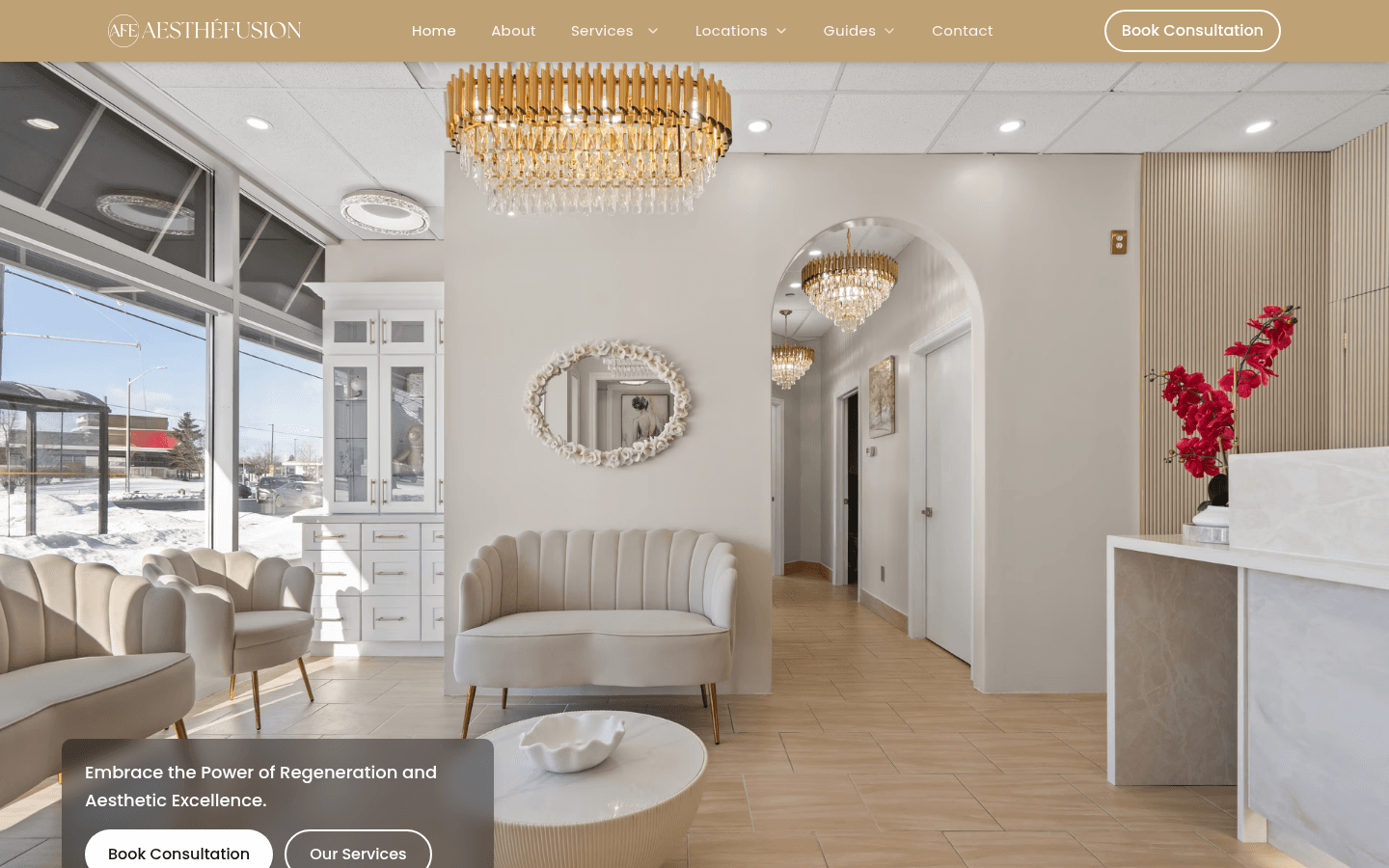
Aesthefusion
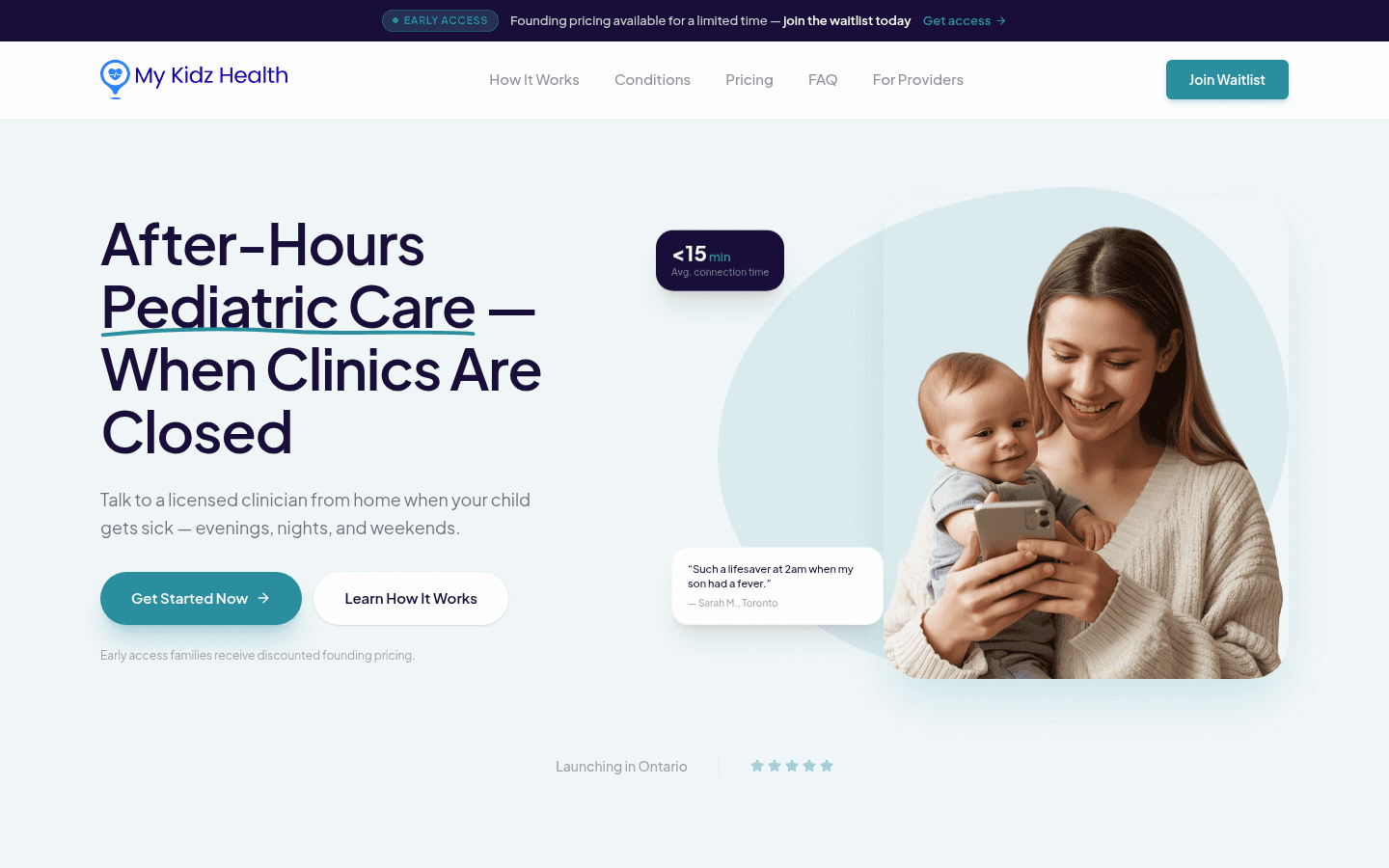
My Kidz Health
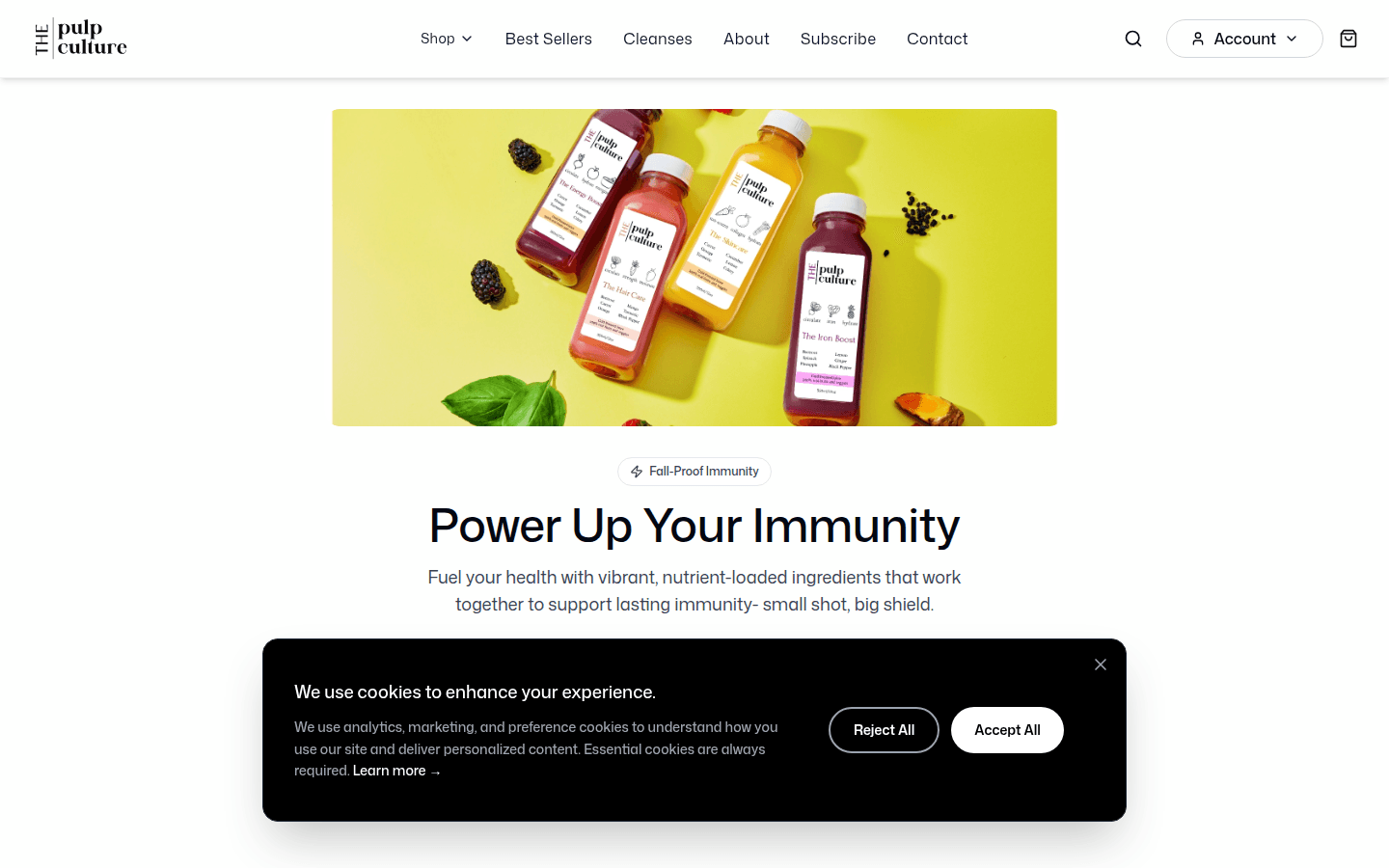
The Pulp Culture
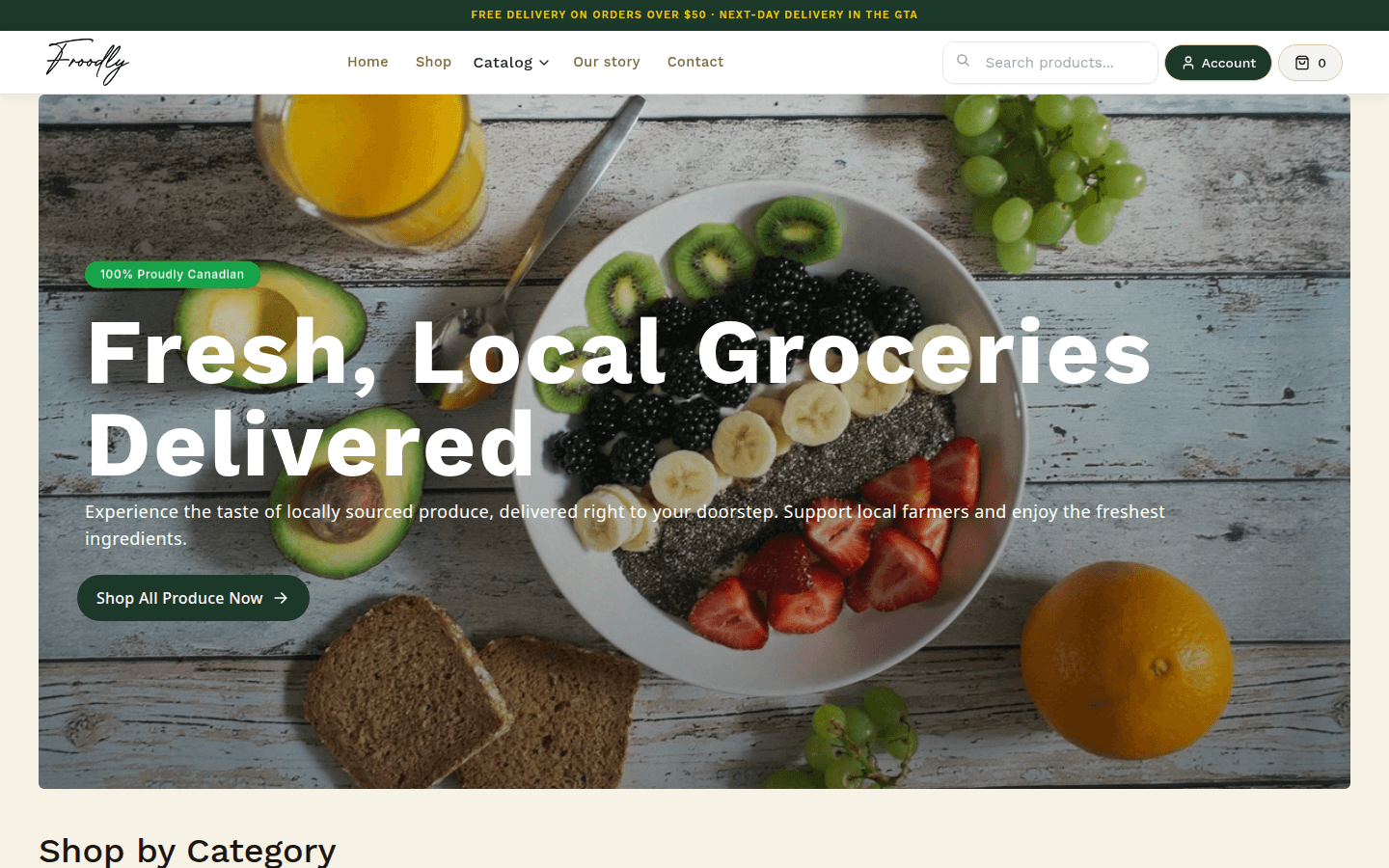
Froodly
Websites, CMS, and automation built to earn trust, improve conversion, and support real business growth.
Digital products, websites, and conversion systems engineered for cleaner launches, stronger trust, and measurable outcomes.